SEO results are slow, cumulative, and easy to undersell in a report that only shows last month’s traffic number. Organic search reporting exists to fix that, turning ranking movement, clicks, and behavior data into something a client can actually see progress in. This guide covers what belongs in an organic search report, which tools to pull data from, and how to structure it so SEO’s value is obvious, not implied. Whether you’re building your first organic search report or refining one that’s already in rotation, the structure below applies to both.
Organic search reporting sits at the intersection of two data sources: Google Search Console, which shows how a site performs in search results (impressions, clicks, average position), and GA4, which shows what happens after someone clicks through (sessions, engagement, conversions). Good SEO reporting combines both rather than relying on just one.
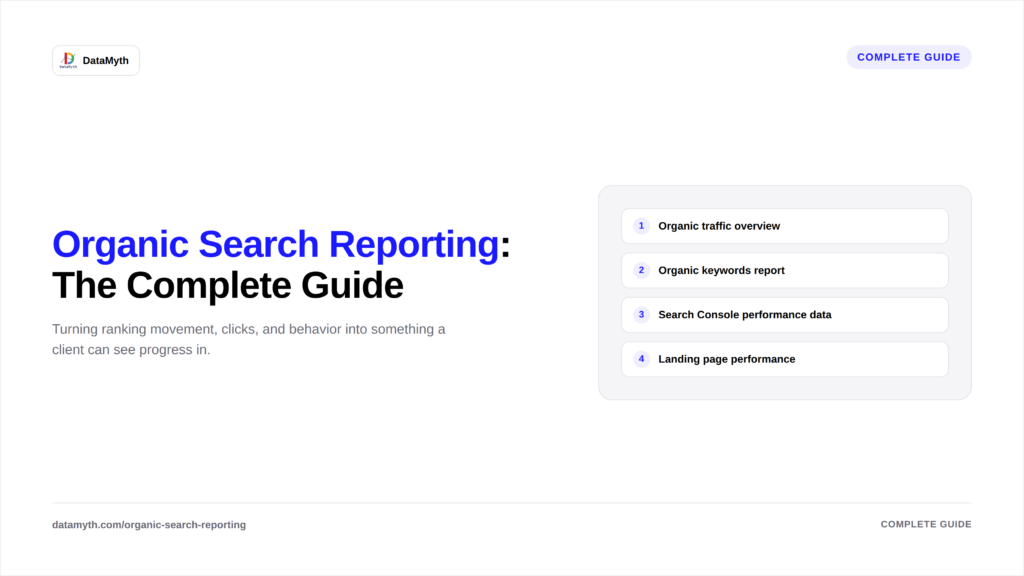
Sessions, users, and conversions from organic search, compared to the prior period. This is the top-line number stakeholders look for first.
A breakdown of which queries are driving impressions and clicks, and how rankings have shifted. This section deserves its own depth, see our full guide on what to include in an organic keywords report.
Click-through rate, average position, and impression trends by page and query. For dashboard structure specifically, see the Google Search Console dashboard template guide.
Which pages are earning organic traffic, and whether that traffic converts. This connects organic performance reporting to actual business outcomes, not just visibility.
Crawl errors, indexing status, and Core Web Vitals, sourced directly from Search Console, flagged when they’re likely affecting performance.
Together, these five sections form the backbone of every solid organic search reporting structure, whether built manually or through an automated platform.
One of the fastest ways to lose a client’s trust in organic search reporting is presenting a number with no sense of whether it’s good or bad. A few grounding points worth including in the report itself or the surrounding conversation: organic click-through rate typically falls between 2% and 5% for positions outside the top three, so a low CTR on a page ranking position 8 isn’t necessarily a problem to fix, it may just reflect where it sits. Ranking movement of one or two positions month to month is normal noise, not signal; meaningful trend usually needs a three-month window to separate real change from algorithm-update jitter. Organic traffic reporting should always be read in the context of seasonality too, a retail client’s organic traffic dipping in February against a January peak isn’t underperformance, it’s a calendar effect the report should call out explicitly rather than leave the client to wonder about.
A content publisher, an e-commerce store, and a B2B SaaS site all need organic search reporting, but the emphasis shifts considerably:
Building the report structure around the business model, rather than a generic template, is what separates SEO reporting that actually informs decisions from SEO reporting that just documents activity.
Organic and paid search reporting share a data source (Google) but different logic entirely. Paid reporting is about spend efficiency; organic reporting is about compounding visibility over time, which is why organic reports need longer comparison windows and more emphasis on trend direction than week-to-week snapshots.
According to Google’s own Search Central documentation, Search Console data is intended to be read alongside analytics data specifically because neither source tells the full story alone, which is the core argument for combining both in every organic search report.
Strong organic search reporting combines Search Console visibility data with GA4 behavior data, adds written analysis instead of raw charts, and sticks to a consistent monthly comparison period. Agencies that treat SEO reporting as just a traffic chart tend to undersell SEO’s real impact; agencies that build a proper organic performance reporting structure make that impact obvious.