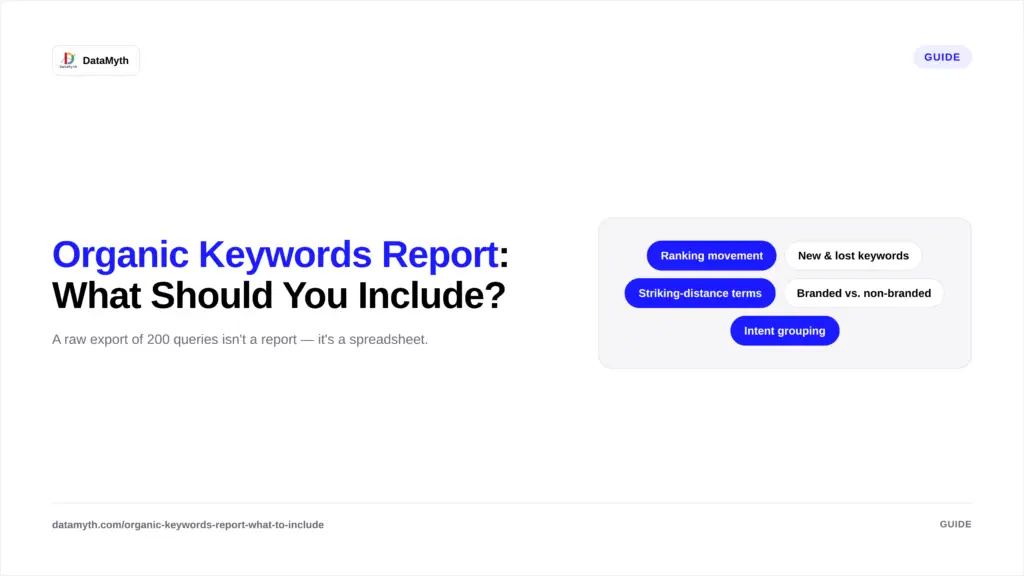
An organic keywords report is the section of SEO reporting clients pay the most attention to, and the section most agencies build worst. A raw export of 200 queries with no context isn’t a report, it’s a spreadsheet. Here’s what actually belongs in an organic keywords report, and how to structure the organic keywords report so the data means something.
Traffic charts show the result. The organic keywords report shows the mechanism, which specific queries are earning visibility, which are slipping, and where the opportunity sits. Clients who understand why traffic changed trust the report, and the agency, more than clients who are just shown a line going up or down. This is the single biggest reason a well-built organic keywords report outperforms a generic traffic summary in client conversations.
The queries actually driving traffic, not just impressions. Impressions without clicks usually indicate a ranking or CTR problem worth flagging separately.
Show position change over the reporting period, not a static snapshot. A keyword sitting at position 8 that moved from position 14 is a different story than one that’s been stuck at 8 for three months.
CTR variance across similarly-ranked keywords often points to a title tag or meta description issue rather than a ranking problem, worth calling out explicitly in the report.
Which queries started ranking this period, and which dropped out entirely. This is one of the clearest signals of content or technical changes taking effect.
Branded search inflates traffic numbers without reflecting real SEO growth. Separating the two gives a far more honest read on organic performance.
Queries ranking between positions 4–15, close enough to page one that small optimizations can move them. This section doubles as a forward-looking action item, not just a historical record.
Individual query rows only tell part of the story. Grouping queries into intent clusters, informational, commercial, navigational, transactional, shows a client whether growth is coming from top-of-funnel awareness content or bottom-of-funnel, revenue-driving terms. A report showing “organic clicks up 20%” reads very differently once it’s clear that growth came entirely from informational blog queries rather than commercial intent terms closer to a purchase decision.
Beyond which queries perform well, show which pages are earning that performance. A single high-value query ranking well on the wrong page (a blog post instead of a product page, for instance) is a finding worth surfacing directly in the organic keywords report, since it often points to an internal linking or content-mapping fix rather than a ranking problem at all.
Not every query Search Console tracks deserves a row in the report. A practical filter: include queries with meaningful impression volume (enough to be statistically stable month to month), queries tied to commercial or high-value informational intent, and queries showing notable movement, up or down, since the last reporting period. Long-tail queries with a handful of impressions each are better summarized in aggregate (“214 additional long-tail queries generated 340 clicks this period”) than listed individually, which keeps the organic keywords report focused on what actually matters to the business rather than complete for its own sake.
The best organic keywords reports don’t just document what happened, they point to what to do next. Striking-distance keywords (positions 4–15) are the clearest example: flag the three or four closest to page one, along with a one-line note on what would likely move them, a title tag rewrite, an added internal link, a content refresh, so the report doubles as a working to-do list rather than a static summary a client reads once and files away. This is also where automated analysis earns its keep: instead of a person manually reviewing every query’s position trend to spot opportunities, a platform like DataMyth can surface the highest-impact striking-distance terms automatically each month.
Every section above pulls from Google Search Console’s Performance report, which tracks queries, clicks, impressions, CTR, and average position at the query and page level. Automated tools like DataMyth’s Google Search Console report surface this organic keywords report data alongside a written explanation of what changed and why, removing the need to manually cross-reference dozens of individual queries each month.
This section is one piece of a larger organic search report. For the full report structure, see our complete guide to organic search reporting.
Even experienced teams run into a few recurring issues when pulling this section together. Mixing branded and non-branded terms into one ranking average is one of the most common, it flattens a genuinely strong non-branded improvement by averaging it with an already-high branded position. Reporting raw position numbers without impression volume is another, a query that jumped from position 18 to position 9 looks impressive until you notice it only generates a handful of impressions a month, while a query stuck at position 12 with thousands of impressions is the one actually worth investing in. Finally, presenting the keywords table without any narrative forces the client to draw their own conclusions from a spreadsheet, which is exactly the gap a short written summary at the top of every organic keywords report is meant to close.
| Query | Clicks | Impressions | CTR | Avg. Position | Change |
|---|---|---|---|---|---|
| Example query 1 | 145 | 3,200 | 4.5% | 6.2 | ▲ 2.1 |
| Example query 2 | 88 | 1,900 | 4.6% | 9.8 | ▼ 1.4 |
| Example query 3 | 210 | 5,500 | 3.8% | 4.9 | ▲ 0.6 |
Keep the table focused, 15 to 25 rows covering the most important queries, rather than exporting every keyword the site ranks for. Moz’s guide to keyword tracking makes a similar point: tracking too many low-value keywords dilutes the signal that actually helps decision-making.